Most TikTok tracking articles stop at “you can see when someone likes a video”. That’s barely scratching the surface. When you combine four TikTrack modules — User Info, User Monitoring, User Story, and User Reposts — you don’t just see isolated events. You reconstruct a full behavioural timeline: sleep schedule, school hours, lunch breaks, mood shifts, and even the gap between what a user says (“going offline now”) and what they actually do (continue liking and reposting from private mode).
This article walks through each tool, what it exposes, and how the data points interlock. All screenshots below are from live TikTrack sessions.
1. User Info — the foundation layer
Before tracking behaviour, you need a stable anchor. User Info pulls the raw account metadata that never changes — or changes very rarely.
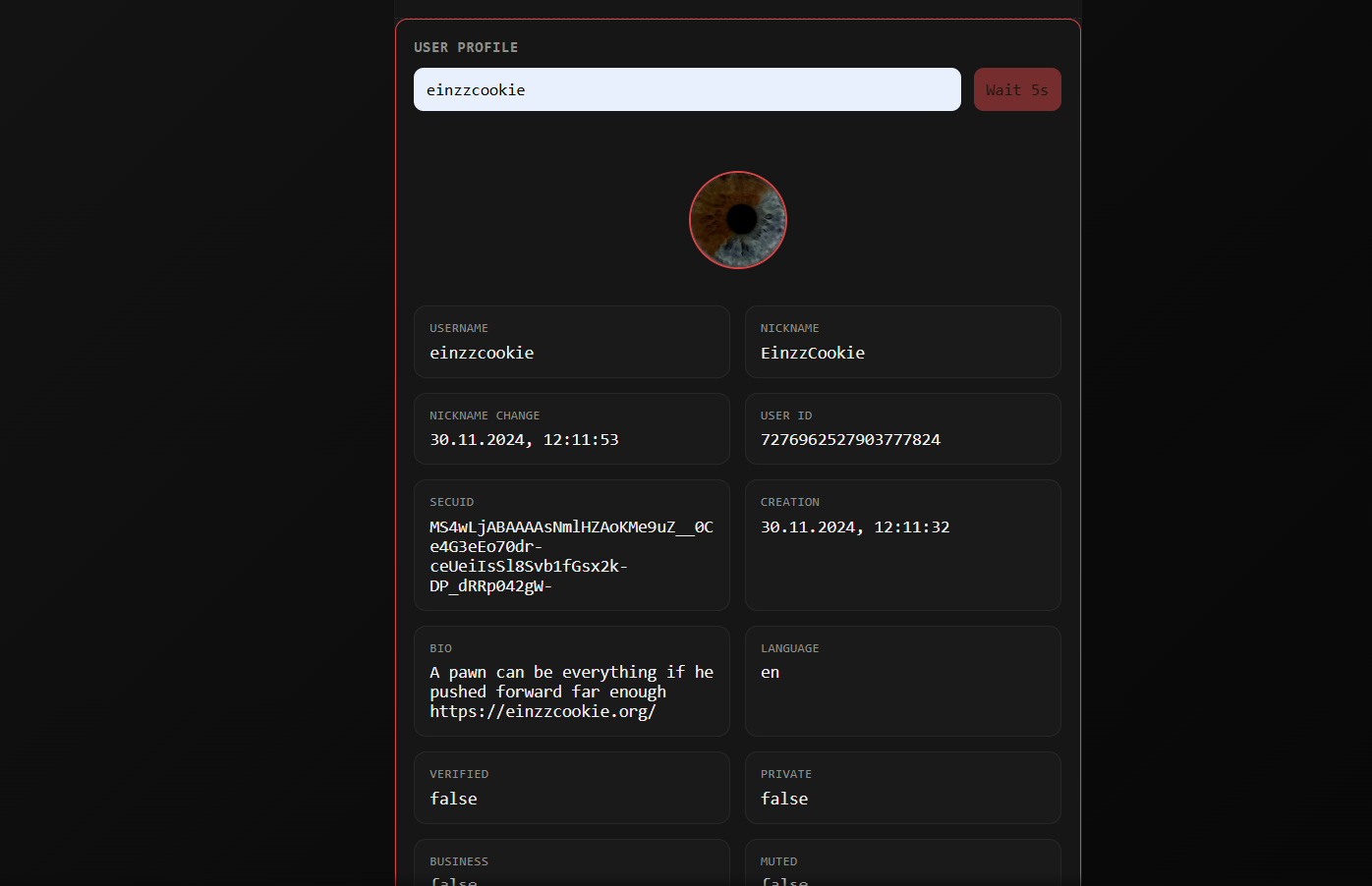
- Permanent UID: The numeric ID never changes, even if the @username is swapped. All other tools reference this UID, so monitoring survives rebrands.
- Account creation date: Helps estimate age and context (e.g. an account created in 2019 vs 2025 behaves differently).
- Hidden video count: The number of public + private videos. A sudden spike in private videos often correlates with emotional shifts or attempts to hide content from specific people.
- Follower/following delta: Rapid changes can indicate drama, follow‑for‑follow campaigns, or attempts to get noticed by a specific person.
With the UID locked in, we can move to continuous observation.
2. User Monitoring — the real‑time behavioural stream
This is the core of the system. User Monitoring polls TikTok’s public API at short intervals (configurable, default 45 seconds) and records every detectable event. Unlike the official app, it never misses a like that gets unliked 20 seconds later.
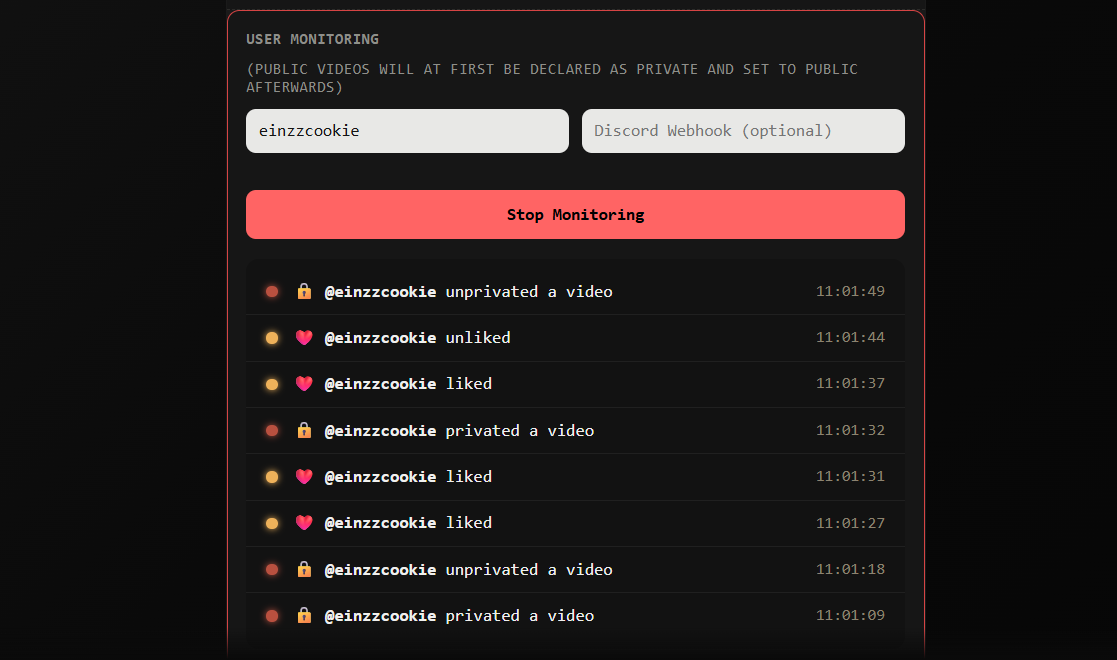
What you see in the monitoring log:
- Like / unlike events: Every video interaction with exact second‑level timestamps. The log shows
LIKEandUNLIKEentries — crucial for detecting rapid regret or “like‑then‑unlike” behaviour. - Story posted / deleted: When a story goes live, the tool grabs the CDN link and the moment it disappears — even if deleted before 24h.
- Video privacy changes: Toggling a video from public → friends only → private is logged as a separate event. This reveals who the user is trying to hide content from.
- New video uploads & deletions: Full metadata archived before the video vanishes.
Because every event is tied to the UID, you can cross‑reference with the next two tools.
3. User Story — ephemeral content, permanent record
Stories are designed to disappear. TikTrack’s User Story module watches them anyway. It grabs the story media as soon as it’s posted and flags whether the story was public, friends‑only, or “close friends”.
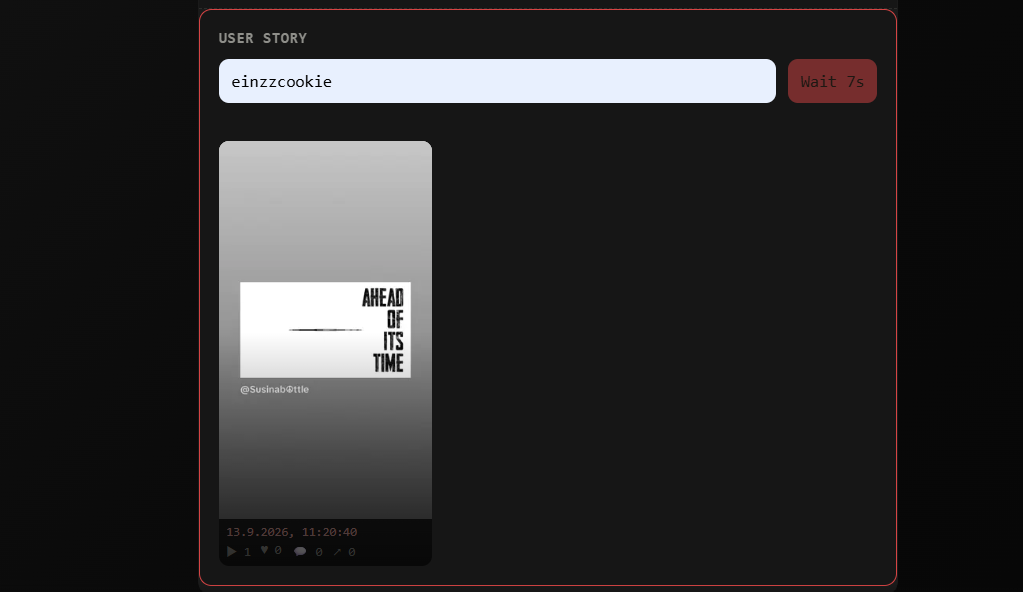
- Privacy level: Public stories vs. friends‑only vs. close friends. A user switching to friends‑only for a specific story is often a reaction to unwanted viewers.
- Posting time correlation: Stories posted at 07:15 on a weekday? Likely before school. Stories at 23:45 on a Friday? Social weekend activity.
- Deletion timing: Monitoring already logs deletions, but the Story tool keeps the original media and metadata. You can compare what was deleted vs. what remained.
Stories also reveal mood and social circles — but for topical analysis, reposts are even more telling.
4. User Reposts — what they amplify and why
Reposting is a deliberate act. Unlike a passive like, a repost pushes content to the user’s own profile. The User Reposts tool extracts the full repost history, including the original creator, topic, and timestamp.
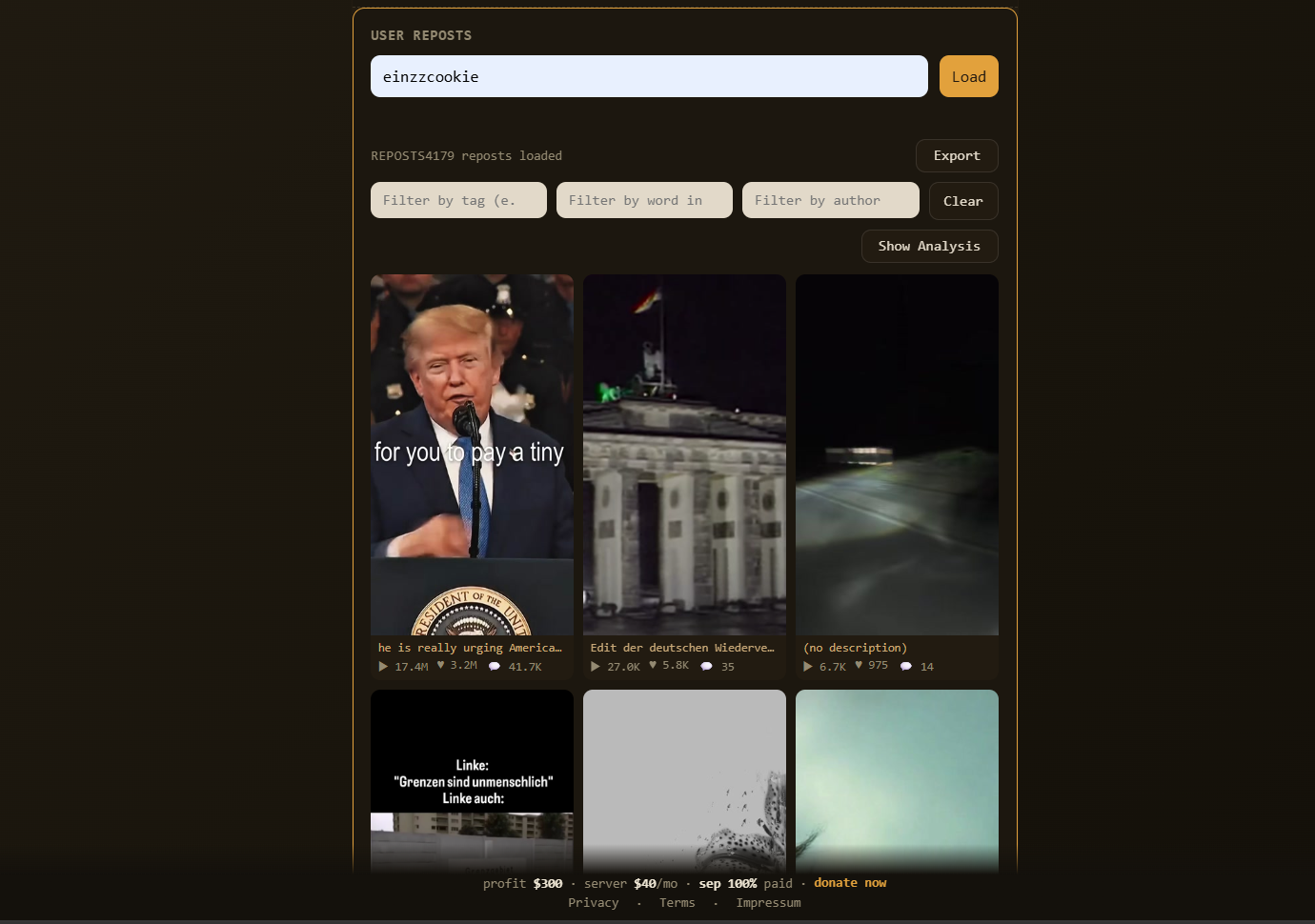
- Topic clustering: Reposts about mental health, gaming, politics, or relationships. Sudden shift from memes to sad edits = mood change.
- Time-of-day patterns: Reposting at 02:00 often indicates insomnia or emotional distress. Reposting during school hours (if the user claims to be offline) proves they’re actively using the app.
- Seeking recognition: Reposting a video that mentions their @username or features a similar creator suggests they want to be noticed by that person.
Putting it all together: behavioural fingerprinting
Each tool alone gives a fragment. Combined, they produce a behavioural fingerprint:
- Sleep schedule: Last like/repost timestamp + first morning activity. Plot over 7 days → average bedtime and wake‑up.
- School times: Inactivity blocks on weekdays (e.g., 08:15–13:45) with a short lunch break activity spike (12:10–12:35).
- Eating breaks: Short, consistent activity windows around 12:00 and 18:30, often with story posts about food or reposts of cooking content.
- Truthfulness about offline status: Compare explicit “going offline” comments in stories or DMs (if available via story captions) with actual monitoring events. The tool logs every like even when the user claims to be gone.
- Mood & topic shifts: Reposts and story topics from User Reposts + User Story. A sudden drop in positive content or increase in sad/angry reposts correlates with real‑life events.
- Privacy manipulation: Video privacy toggles (public → friends → private) often happen right after an emotional trigger. Monitoring timestamps reveal the sequence.
All four tools are accessible from the einzzcookie.org TikTrack dashboard. You only need a UID (or @username) to start.