If you tap the QR code button in your international TikTok app today, you are met with a completely standard, generic square matrix on a simple background. But did you know that ByteDance actually developed a far more stylish, custom-styled QR code system? Originally built exclusively for Douyin—the mainland Chinese version of TikTok—this visual upgrade allows user profile pictures to be seamlessly embedded right into artistic, branded vector shapes.
I am writing this article to share the fascinating backstory behind this obscure feature, explain how it briefy resurfaced on Reddit before fading into internet obscurity, and show you how our User QR-Code tool on TikTrack allows you to generate these hidden custom codes for any global TikTok handle today.
The TikTrack User QR-Code Module
To bridge the gap between global TikTok and Douyin's exclusive features, TikTrack hosts a dedicated User QR-Code generator utility. By entering any target user id, the module communicates directly with internal API endpoints to fetch profile avatars, numeric User IDs (UIDs), and asset rendering masks.
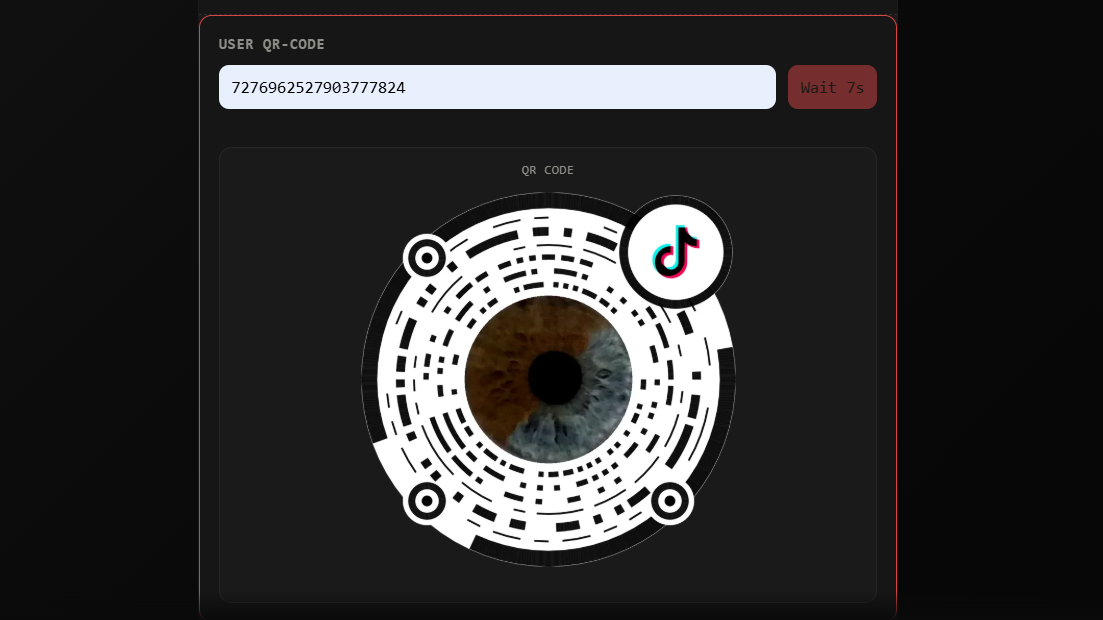
Instead of restricting you to standard black-and-white blocks, the tool lets you render official custom shapes, dynamic color gradients, and stylized account cards that mirror Douyin's rich visual aesthetic.
Standard TikTok QR Codes vs. The Fancier Chinese Variant
To understand why this feature is so unique, you have to compare what global users see versus what Douyin developed for the domestic market in China.
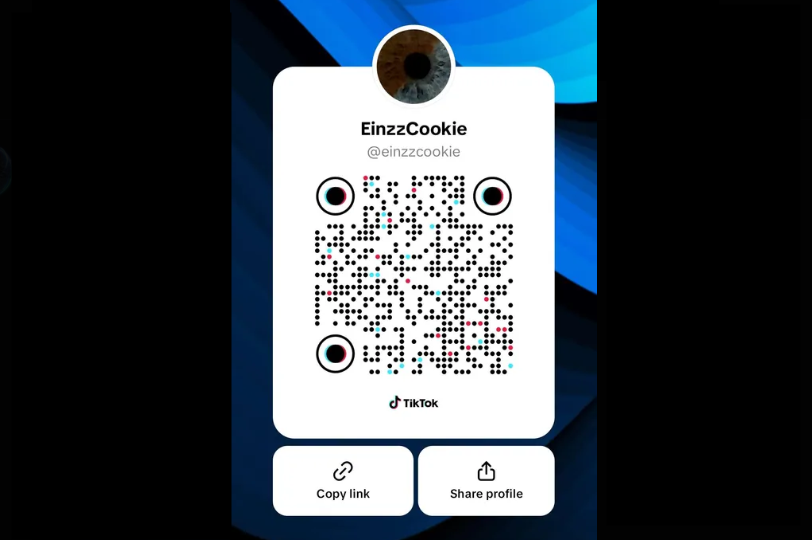
In the standard international TikTok application, the native QR code generator outputs a basic matrix format. While functional, it lacks aesthetic personalization beyond a few background color toggles.
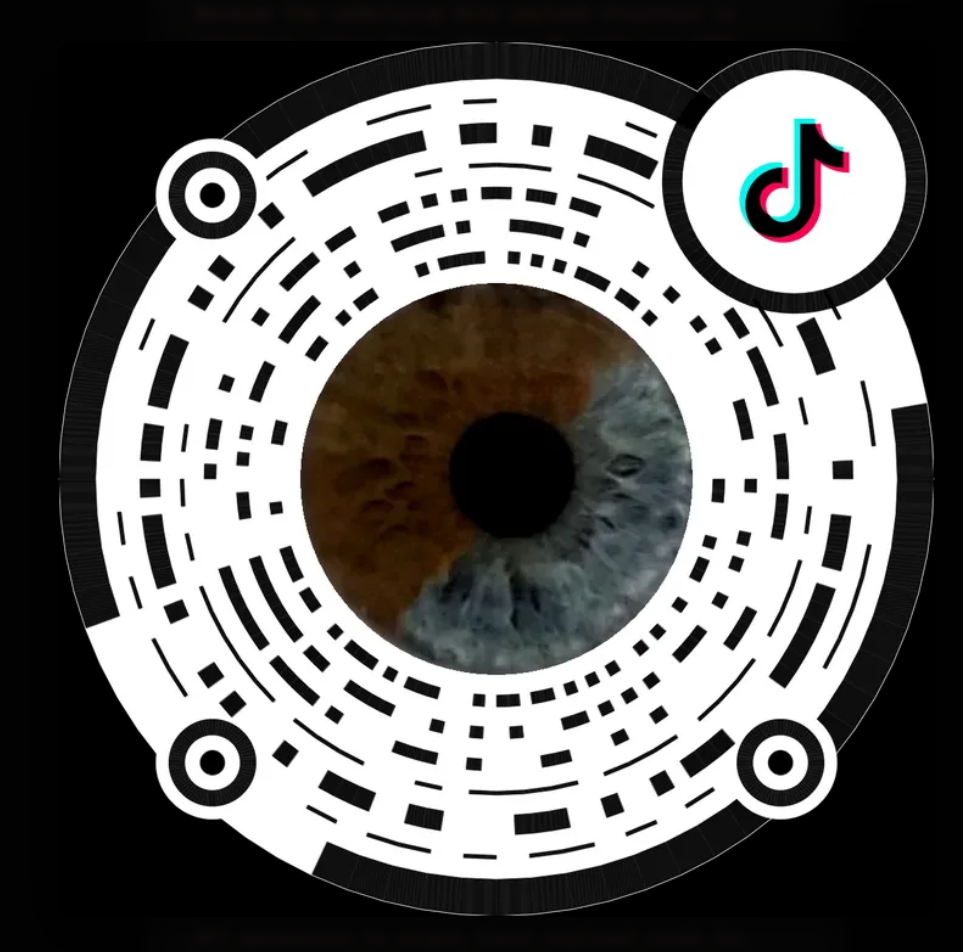
By contrast, the Chinese Douyin version utilizes custom vector masks, custom anchor points, and integrated avatar frames. It looks significantly fancier, yet at its core, it remains a fully valid, standards-compliant QR payload.
Fully Scannable by the Global TikTok App:
Because the underlying data payload structure is identical, these fancy Chinese QR codes are 100% scannable using the built-in scanner camera inside the standard global TikTok app! Even though the international app cannot *generate* them natively, its built-in scanner decodes the embedded UID parameters effortlessly, routing you straight to the corresponding user profile.
Found by Reddit, then Forgotten by the World
Years ago, curious tech sleuths and reverse-engineers on Reddit discovered that TikTok's backend API endpoints contained leftover rendering flags for these Douyin-style custom QR codes. Threads briefly popped up demonstrating how to manually manipulate API parameters to output these stylized cards for Western accounts.
For a short moment, it was a viral secret among tech-savvy creators who wanted unique profile cards for their link-in-bio pages and physical business cards. However, because ByteDance never officially rolled out the custom UI generator to non-Chinese regions, the excitement died down, the threads aged out, and the feature was largely forgotten by the mainstream community.
Try It Yourself on TikTrack
You don't need to dive into Reddit archives or execute manual API requests to claim your own customized code. With the TikTrack User QR-Code tool, you can generate, customize, and export these official Chinese-style QR codes for any account in seconds—giving your profile card a distinct, stand-out look that standard app users rarely get to see. Just get your user id from the User Info tool and submit it in the QR-Code section!