Have you ever copied a TikTok video link to send to a friend or post in a group chat, assuming your profile remains totally anonymous? Many TikTok users believe sharing a short video link only sends the video itself. However, standard TikTok share links hide detailed tracking parameters designed to trace user activity, build social graphs, and reveal who sent the link. And it does not matter if you set your account to private or turned it all off in the settings.
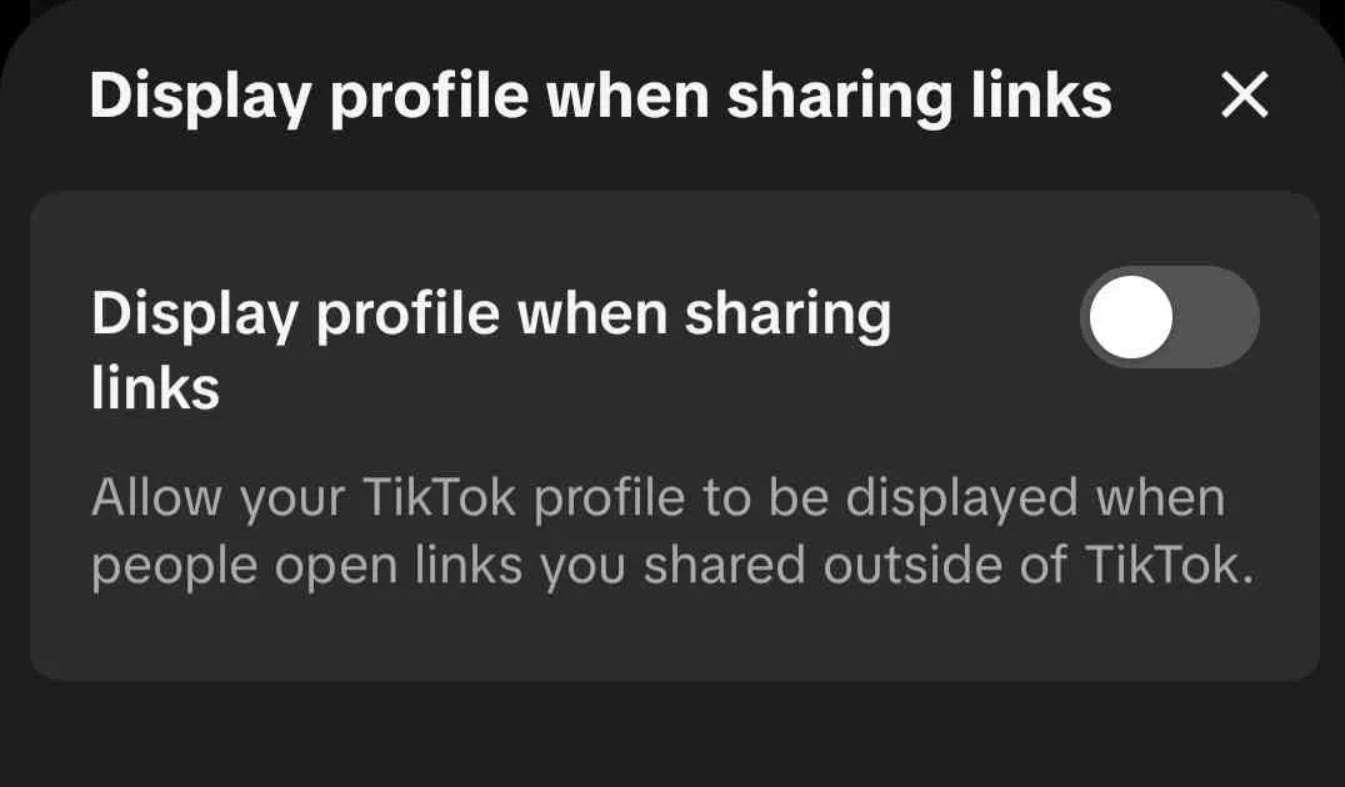
When you tap "Share" inside the app, TikTok generates a shortened URL structured like vm.tiktok.com/ZM.../ or vt.tiktok.com/.... These shortened links mask hidden query parameters—such as _r=1 and unique share_item_id tokens—that tie the shared URL directly to your specific TikTok account ID. You are able to see those once you open the sharing link in a browser of your choice revealing something like tiktok.com/@username/video/123?_r=1&_t=ZG-92Qcy02GFeU.
To analyze how these tracking parameters operate and strip away hidden account identifiers, check out TikTrack - Video Shared. Our online TikTok privacy tool unpacks raw TikTok URLs to demonstrate how easy it is to trace a share link back to an individual user profile.
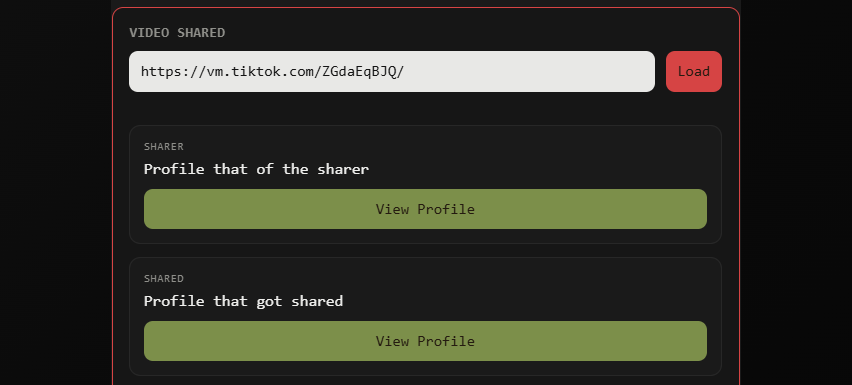
What Information Is Revealed by TikTok Share Links?
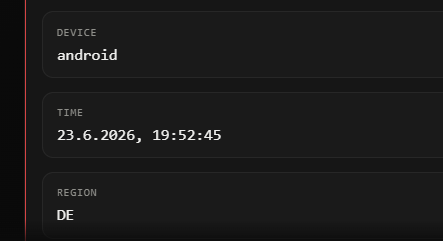
When a recipient opens a shortened TikTok share link, the embedded parameters signal TikTok's servers to show a banner stating "User X shared this video with you." Even if your profile settings are set to private, the URL structure can expose your username, TikTok account ID, device signature, and referral metadata including the region or country of the user. This tracking bypasses basic account privacy settings because the unique link hash links the sender and receiver together on TikTok's backend social map.
How to Safely Share TikTok Videos Privately
If you want to protect your privacy and stop TikTok from tracking who you share content with, you can share videos safely using two simple methods:
1. Clean the Link Manually in Your Browser: Open the shortened vm.tiktok.com link in a desktop browser or private tab first. Allow it to resolve to the full canonical URL (e.g., tiktok.com/@username/video/123456789...), and delete every character after the ? mark before copying and sending the clean link.
2. Use TikTrack - Private Video Sharing: For an effortless and completely secure solution, paste your link directly into TikTrack - Private Video Sharing. Our privacy utility automatically removes all referral IDs, tracking tokens, and personal parameters, giving you an anonymous, sanitized link that protects your identity when sharing videos anywhere online.